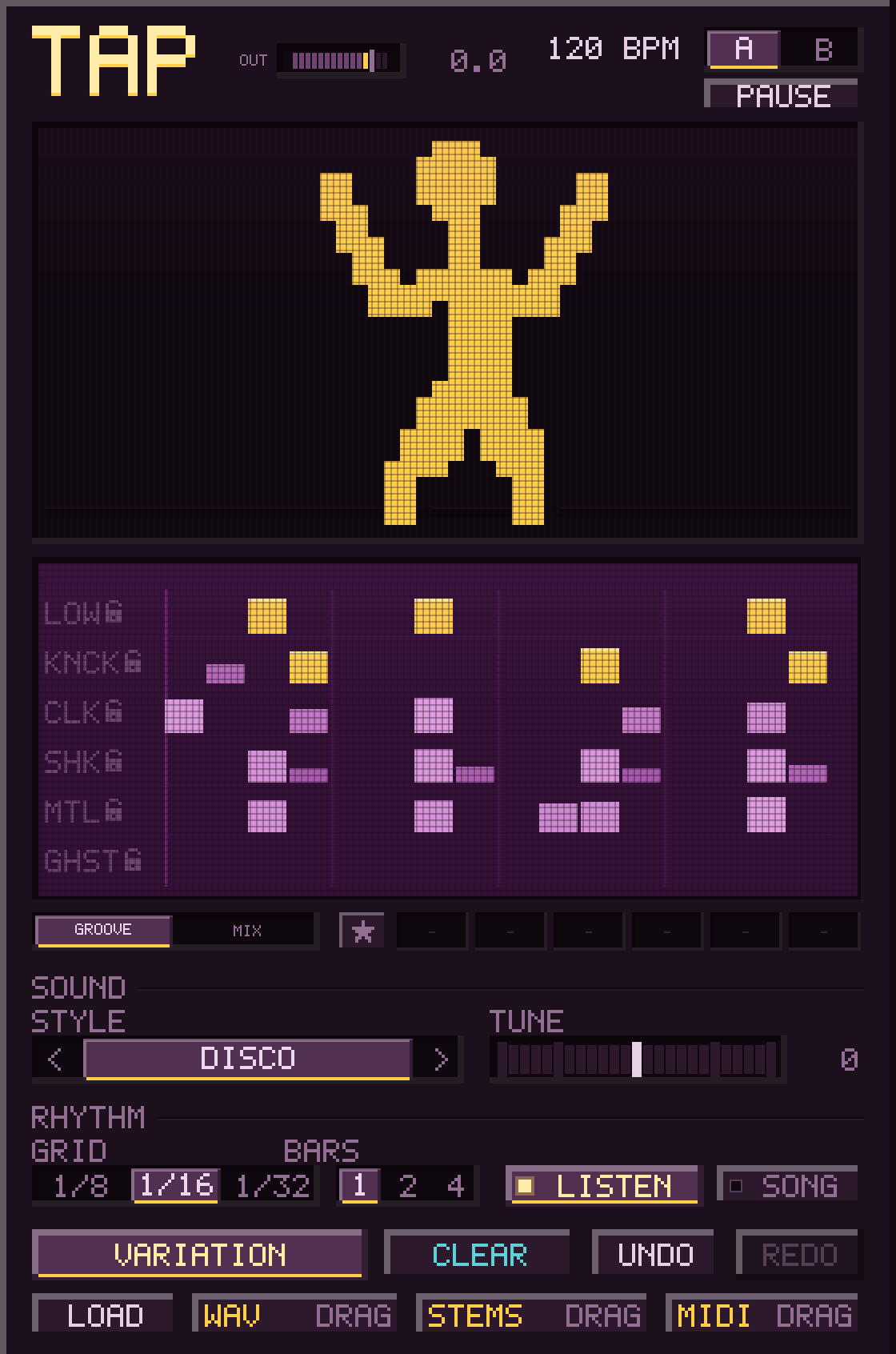
Click the dancer and TAP writes a new percussion groove. Pick a style, or leave it on ALL. Then drag it into your project as MIDI, as one loop or as separate stems.
a different groove every click.
fixed demos. the plugin makes new ones.Each click writes a new percussion part from scratch, so you don't get the same groove twice. Use TAP on its own, or next to STAB and BASS.
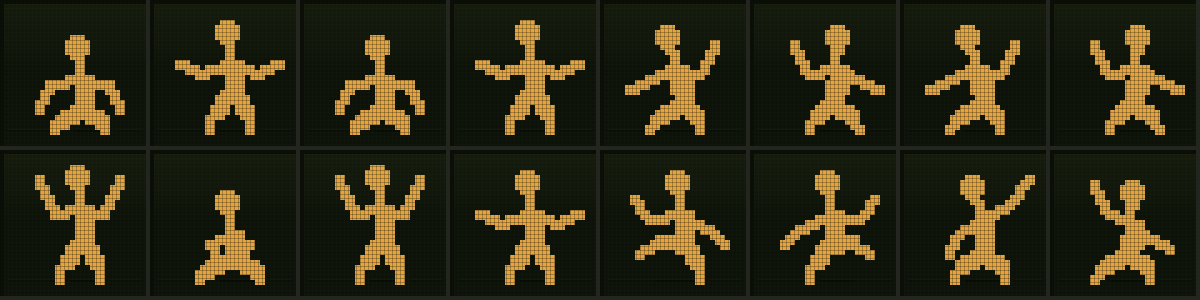
Click him for a new groove. He dances to it.

Click a row's name to keep that part. Right click it to reroll just that row.
Add or remove hits. Drag a hit up or down to change its level.
Drop a loop on TAP, or send it MIDI with LISTEN on. TAP finds where the hits are and writes a groove around them.
Each row has a fader. Drag it for level, or click to mute the row.
TUNE moves every sound up or down, as much as an octave, so the kit fits under your track.
Keep a groove in A and another in B. SONG plays A once, then B, and round again.
WAV, stems or MIDI. Drag the chip straight into your DAW.
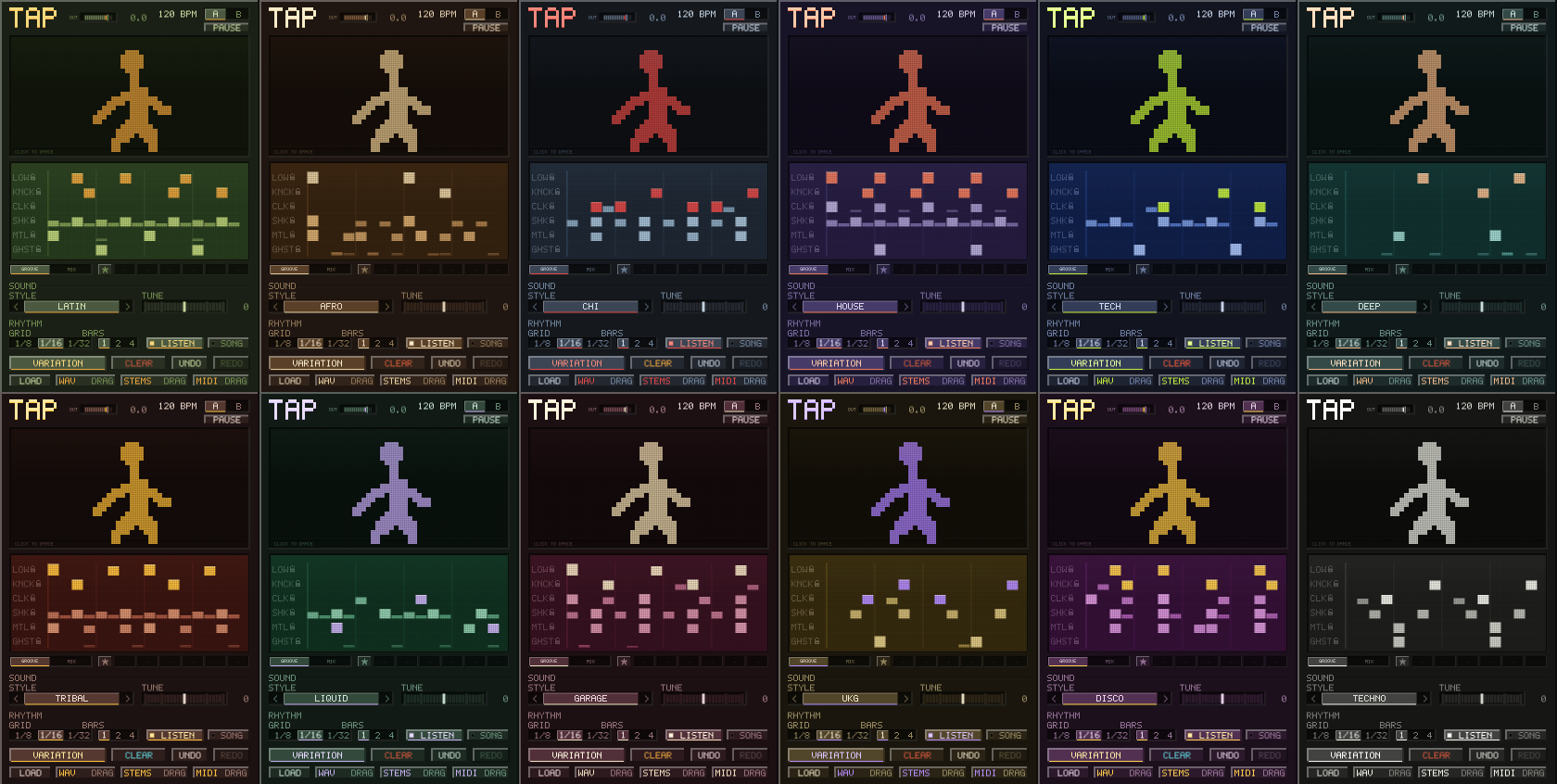
Each style has its own sound, swing and colours. Pick one, or leave it on ALL and every click picks a different style for you.
The dancer, the mixer, TUNE, loops, all twelve styles and the exports. Sound on.
A soft hit and a hard hit differ in tone as well as level, and no two hits are the same.
Levels and panning are set for you, so a groove sits in the mix without a mixer pass. TUNE moves the whole kit up or down, so it fits under your track instead of fighting it.
STAB, BASS and TAP together. open STAB and the other two follow it.
Already own STAB and BASS? Don't buy the bundle, just get TAP. Pay once, no subscription.
One purchase covers both platforms and all three formats. Download immediately, no account to create.
TAP €7 until 27 October, 23:59 Madrid time, then €10. STAB and BASS are €10 each. Pay once, no subscription. Free updates, more coming: see what’s new.
Runs on macOS 10.13 or later (Apple silicon and Intel) and Windows 10 or later, 64-bit. Licence: one key per plugin, in your Gumroad receipt; it checks once online, then works offline. Refunds: if it will not run on your computer and we cannot fix it, you get your money back.
macOS: open the disk image and follow its Read Me, which has the steps for VST3 and for AU.
Windows: unzip it into C:\Program Files\Common Files\VST3.
Then restart your DAW. Full installation guide →
Does TAP need a musical key?
Not on its own. Percussion is mostly unpitched, so it can’t play out of key. If you want the kit to sit under your track, TUNE moves the whole kit up or down, as much as an octave. Next to STAB, TAP follows STAB’s key instead, and TUNE steps aside.
What does ALL mean?
TAP has twelve styles, each with its own sound and feel. ALL picks a different style on every click, and TAP changes into that style’s colours. Pick a style yourself to stay in it.
Is TAP a loop pack?
No. TAP is a plugin that writes a new percussion part for you each time you click the dancer. Nothing in it is a fixed, pre-recorded loop, so you do not get the same groove twice.
Can I use what TAP makes in a release?
Yes. Whatever TAP makes is yours, royalty free, in any release.
Does TAP follow my tempo?
Yes. In your DAW it locks to the project tempo and position. The standalone app has its own tempo control.
Does TAP work with STAB and BASS?
TAP works on its own and does not need them. STAB and BASS are our chord and bassline plugins. Open STAB next to TAP and TAP takes STAB’s key and fits its groove around STAB’s hits. When STAB changes, TAP’s groove shifts a moment later to stay out of its way, and says so at the bottom. Switch LISTEN off to keep a groove exactly as it is.
Does TAP work in Ableton Live 11?
Yes. Live gained VST3 support in 10.1, so anything from 10.1 up loads TAP, Live 11 included. Tested in Live 12 on Mac and Windows.
Do Mac and Windows come in one purchase?
Yes. One purchase covers macOS (universal, notarised) and Windows, as VST3, AU and a standalone app.
Do I need an account or an internet connection?
No account. Your licence key arrives with the Gumroad receipt, TAP checks it once online, and from then on it works offline. You have 30 days to use TAP before it asks for the key.
Can TAP reload its own exports?
Yes. Drag a WAV that TAP exported back onto TAP and the groove that made it comes back, ready to edit.